Where AI Actually Pays Off for Small Businesses in 2026 (and Where It Doesn't)
AI pays off on high-volume, checkable work such as email triage, document extraction, forecasting and reporting. It rarely pays off as a generic chatbot. Here is how to tell the difference and run a safe 90-day pilot.
Orya One
Guide8 min read
Key takeaways
- Best returns: email and document triage, drafting with human review, knowledge search, forecasting, anomaly detection and reporting.
- A simple forecast or business rule often beats an LLM. Use the simplest tool that meets the target.
- Data readiness, not model choice, is usually what decides whether a project works.
- Measure against a baseline, keep a human in the loop and check GDPR and AI Act duties before going live.
AI pays off for small businesses where three things are true: the work is repetitive and high-volume, it involves text or numbers you already have, and a person can check the output quickly. In practice that means sorting and extracting data from emails and documents, drafting customer replies for staff to approve, searching your own documents, forecasting demand, flagging unusual transactions and automating routine reports. It rarely pays off as an unsupervised chatbot on your website, an autonomous agent acting on your accounts, or bulk-generated marketing content.
The model is rarely what decides the outcome. Whether your data is clean, whether the process is clear and whether anyone measures results matter far more. A hotel in Pieria with three years of tidy booking data is in a better position than a larger business with ten disconnected spreadsheets.
Below: the use cases worth your money, the ones to skip, how costs and risks really look in 2026, and a 30/60/90-day plan for a pilot you can stop at any point.
Six use cases that usually pay off
1. Email and document triage and extraction
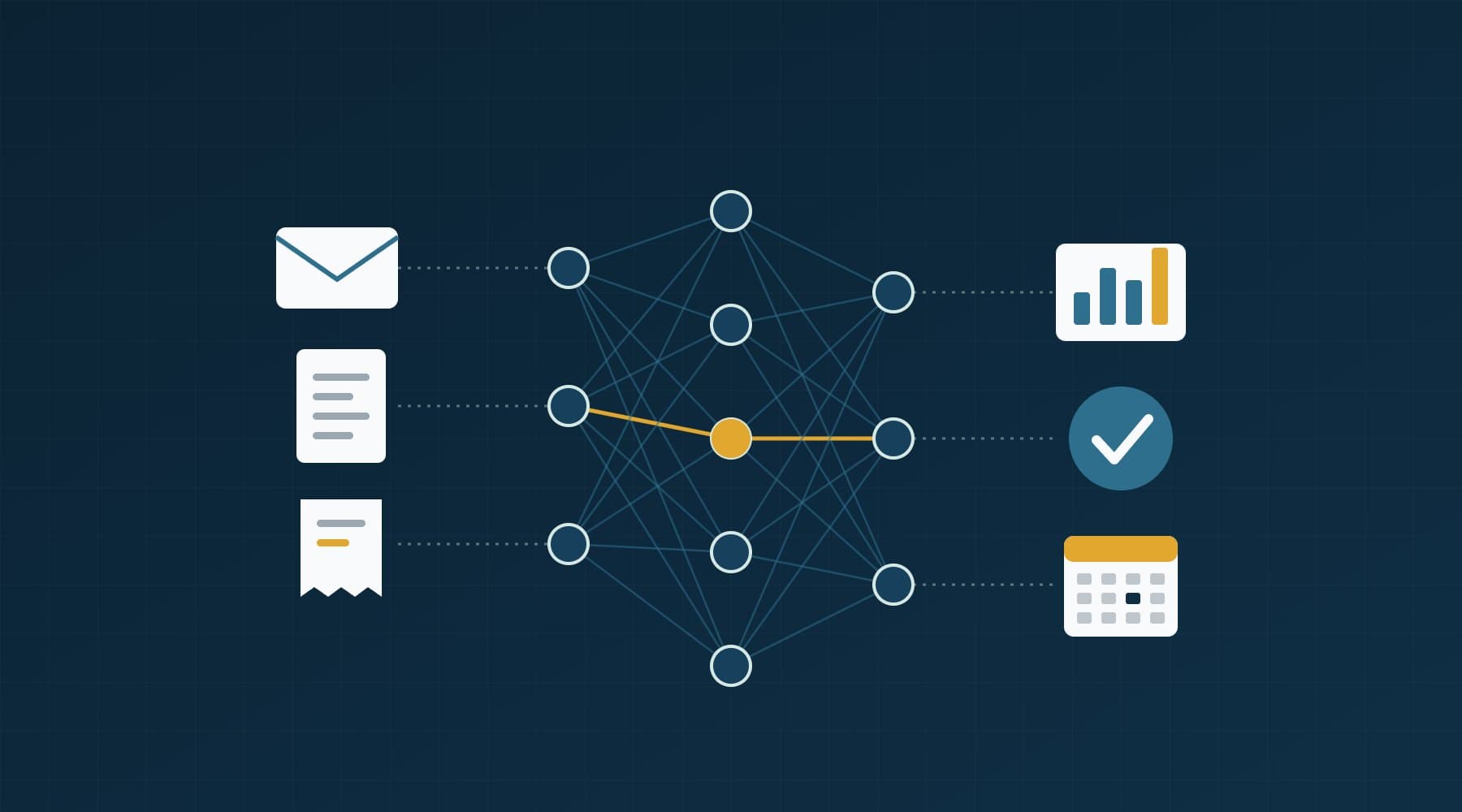
Sorting incoming email by type and urgency, and pulling fields out of invoices, orders, delivery notes or booking requests into a structured form. Language models handle messy, mixed Greek and English text well. A person confirms the extracted fields instead of typing them. This is often the fastest payback because the volume is high and errors are easy to spot.
2. Customer-service drafting with human review
The model drafts a reply using your policies, prices and past answers. A staff member edits and sends it. Response times drop and the tone stays consistent, while a human still owns every message. Keep the review step. Letting a model reply on its own about refunds or availability is where expensive mistakes happen.
3. Internal knowledge search
Staff ask questions in plain language and get answers from your own manuals, procedures, contracts and supplier terms, with links to the source document. It works well when the documents exist and are reasonably current. If the knowledge lives only in people's heads, AI cannot search it.
4. Demand forecasting
For seasonal businesses such as hotels, restaurants, retail and distribution, a forecast of next month's demand by day or product drives staffing, ordering and pricing. This is classic machine learning, not a chatbot. See our guide to demand forecasting for seasonal businesses.
5. Anomaly detection
Flagging the unusual: a supplier invoice 30% above its normal range, a sudden drop in sales at one location, duplicate payments, odd stock movements. The value comes from catching problems weeks earlier than a month-end review would.
6. Reporting automation
Pulling numbers from several systems into one weekly report, with a short written summary of what changed. Much of this is plain data engineering. AI adds the summary paragraph. It saves hours, and it means the report actually gets read. Our data analysis services often start exactly here.
| Use case | Effort | Value | Risk |
|---|---|---|---|
| Email triage and field extraction | Low | High | Low |
| Invoice and document extraction | Medium | High | Low–Medium |
| Reply drafting with human review | Low | Medium | Medium |
| Internal knowledge search | Medium | Medium | Low |
| Demand forecasting | Medium | High | Low |
| Anomaly detection on transactions | Medium | Medium–High | Low |
| Automated weekly reporting | Low–Medium | High | Low |
| Unsupervised website chatbot | Low | Low–Medium | High |
| Autonomous agents acting on accounts | High | Uncertain | High |
| AI screening of job applicants | Medium | Low–Medium | High (regulated) |
Where AI usually does not pay off (yet)
- A generic chatbot on the website that answers freely. Customers want a price, a booking or a phone number. A clear page and a good contact form often do the job better.
- Autonomous agents that send emails, issue refunds or change bookings without review. The demo looks good. The edge cases cost money.
- Mass-produced content. Hundreds of AI-written pages rarely build traffic or trust, and they dilute the pages that matter.
- AI on top of broken data. If nobody trusts the numbers today, a model will just produce confident wrong answers faster.
- Projects with no owner or metric. If you cannot say what would count as success, you will not be able to tell whether you got it.
LLMs vs classic machine learning: pick the simplest tool that works
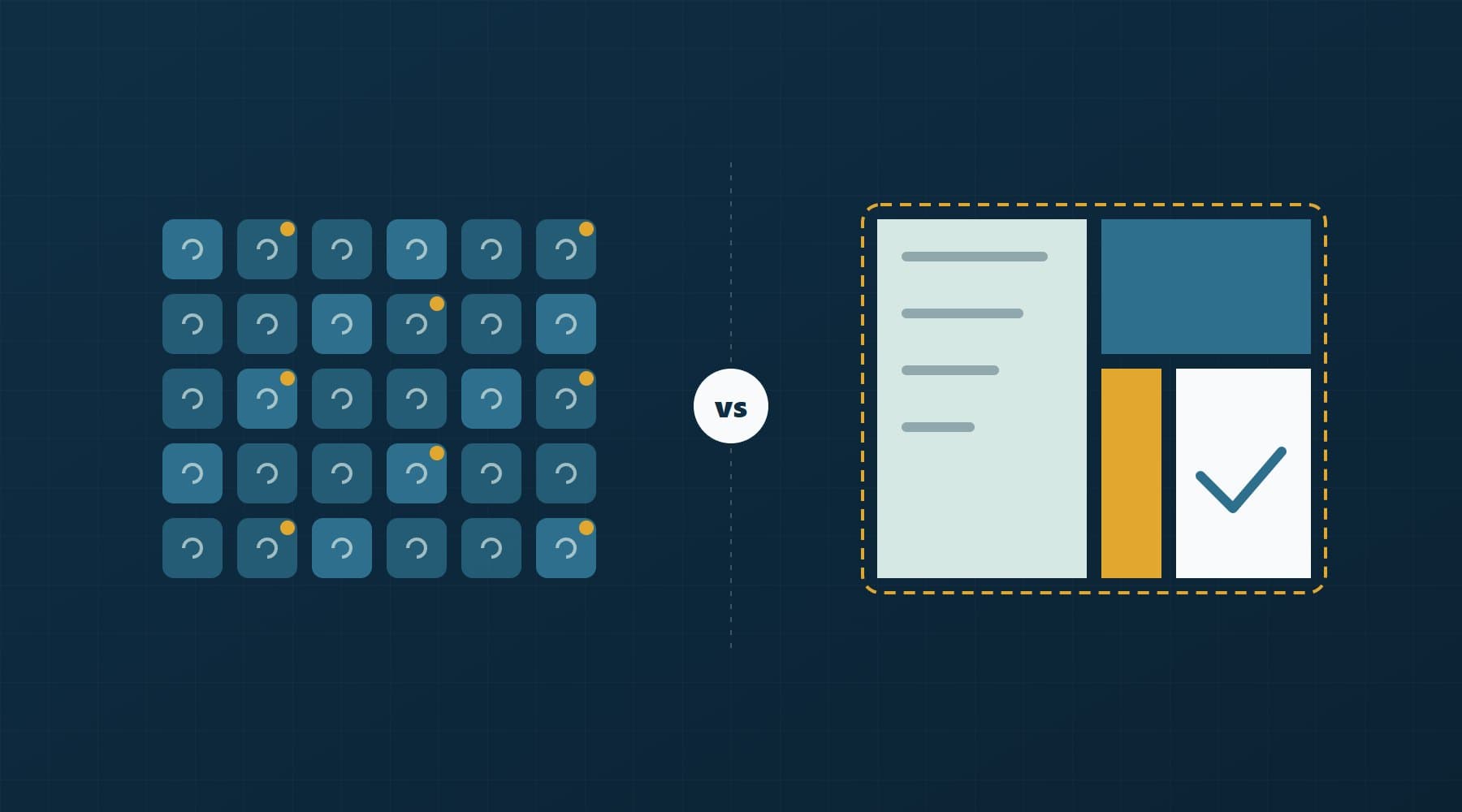
Large language models are excellent with unstructured text: emails, documents, free-text notes. They are the wrong tool for most numerical questions. Rules of thumb we use:
- Forecasting sales, bookings or stock: start with a seasonal baseline (same week last year, adjusted for trend), then try a gradient-boosted model. An LLM is not a forecasting engine.
- Scoring and classification on tabular data (which customers are likely to churn, which invoices are late payers): classic ML is cheaper, faster and easier to explain.
- Clear, stable business logic (if the order is above €5,000, require approval): write a rule. A model adds cost and uncertainty for no gain.
- Reading, summarising or drafting text: this is where an LLM earns its place.
Data readiness is the real bottleneck
Most AI projects that stall do so for data reasons, not model reasons. Before committing budget, check:
- Is the data in one place, or spread across exports, inboxes and paper?
- Is there enough history? For seasonal forecasting, two or more full seasons is a sensible minimum.
- Are key fields consistent: one product code per product, one customer record per customer?
- Do you know what is missing, duplicated or wrong, and roughly how much?
- Who is allowed to access the data, and does it include personal data?
If the honest answer to several of these is no, the first project should be data cleaning and a reliable dashboard. It is less exciting, but every later AI project depends on it.
What AI actually costs
Costs fall into three buckets, and the API bill is usually the smallest:
- API usage. Language model pricing is per token and changes often, so check the provider's current price page. As a rough guide, triaging a few thousand emails a month typically costs tens of euros, not thousands.
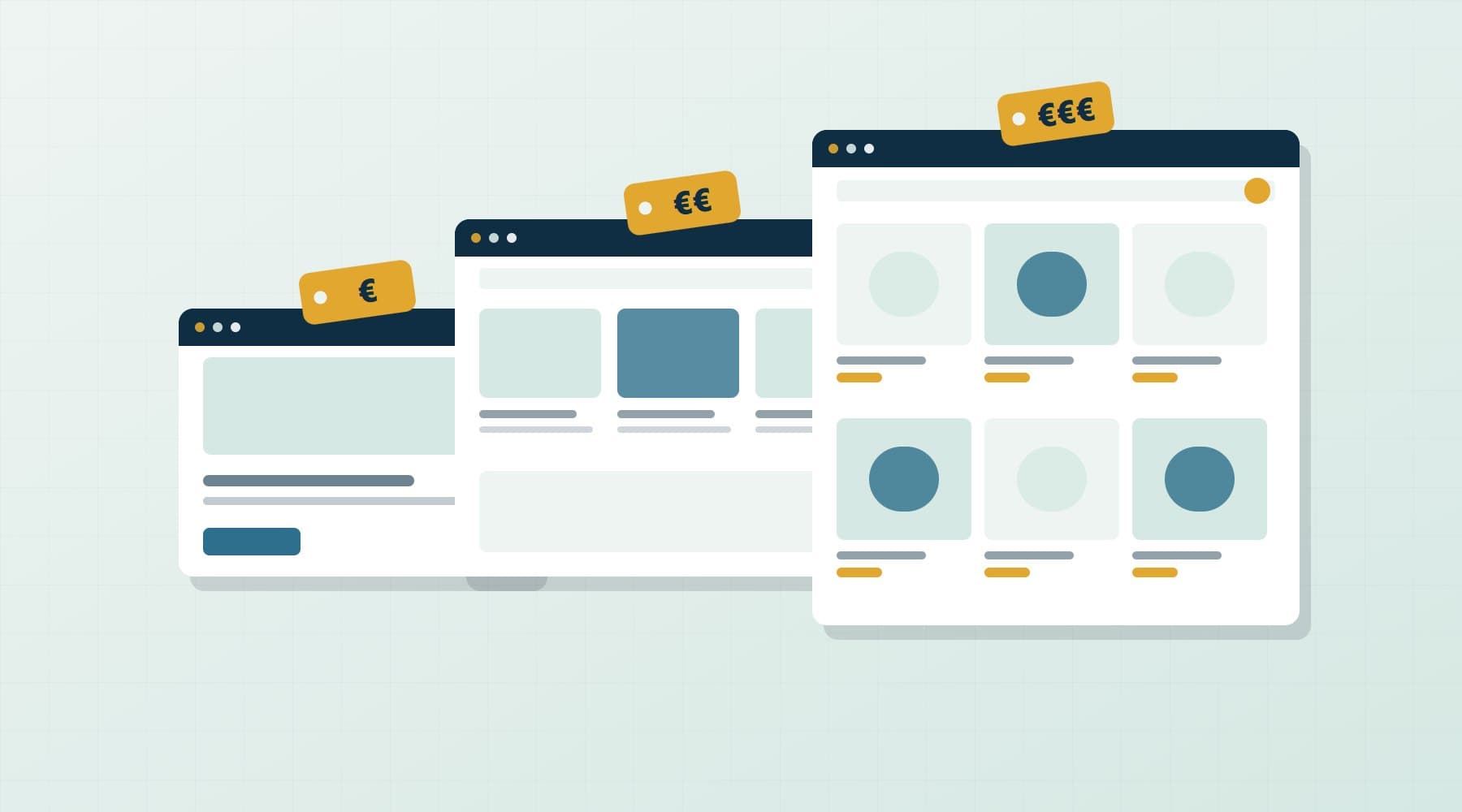
- Build and integration. Connecting the model to your inbox, ERP or booking system, building the review screen and handling errors. This is where most of the budget goes. A focused pilot is usually a matter of weeks, not months, but the cost varies widely with scope.
- Maintenance and evaluation. Models change, data drifts and prompts need tuning. Budget for monitoring and periodic re-testing, the same way you would for any software, as discussed in our custom software vs SaaS guide.
Risks: hallucinations, privacy and the EU AI Act
Hallucinations
Language models sometimes produce fluent, wrong answers. Reduce the risk by grounding answers in your own documents, asking for the source behind each answer, limiting the model to tasks where a person checks the output, and refusing to answer when confidence is low.
Privacy and GDPR
If customer or employee data goes to an AI provider, that provider is processing personal data on your behalf. Under GDPR you need a data processing agreement, a lawful basis and a clear picture of where the data is stored. Use business API or enterprise plans with EU data options rather than staff pasting customer records into consumer chat apps. Minimise what you send: often the model does not need names at all.
The EU AI Act
The AI Act entered into force on 1 August 2024 and applies in stages. Bans on prohibited practices and an AI literacy duty have applied since 2 February 2025. The literacy duty was softened in 2026 to taking measures that support staff understanding of the tools they use. Since 2 August 2026, transparency rules apply: systems that interact with people must make clear they are AI, and certain AI-generated content must be marked or disclosed. The 2026 Digital Omnibus moved obligations for high-risk uses listed in Annex III, such as recruitment, credit scoring and education, to 2 December 2027. Check the European Commission's AI Act page for the current timeline.
For most SMEs the practical reading is this. Email triage, forecasting and reporting sit in the minimal-risk category. Customer-facing chatbots bring transparency duties. Anything that scores or screens people, especially job applicants, needs a careful legal review before you build it.
Evaluation and guardrails: how to know it works
Treat an AI feature like any other system that can fail. Build a test set of 100–200 real, anonymised examples with known correct answers. Measure the baseline, measure the AI, and agree a threshold before launch, for example 95% of invoice fields extracted correctly. Re-run the same tests every time the prompt, the model or the data changes, so an upgrade cannot quietly make things worse.
This is the approach behind our open-source tools. orya-eval runs evaluation and regression checks against baselines with pass/fail thresholds in CI. orya-guard validates datasets and inference payloads before they reach a model, catching missing fields, wrong types and out-of-range values. Whatever tools you use, the principle is the same: no change goes live without a measured comparison.
A 30/60/90-day pilot plan
Days 1–30: choose and measure
- Pick one use case from the high-value, low-risk rows of the table above.
- Measure today's baseline: time per task, error rate, volume per week.
- Collect and anonymise a test set, and check data access and GDPR basics.
- Define success in numbers and name an internal owner.
Days 31–60: build and run in shadow mode
- Build the smallest working version, integrated with the real system.
- Run it alongside the current process: the AI suggests, people still do the work.
- Compare results weekly against the baseline and fix the most common failures.
Days 61–90: go live with review, then decide
- Switch to AI-first with mandatory human approval.
- Track time saved, error rate and staff feedback.
- At day 90, decide: expand, adjust or stop. Stopping a pilot that did not beat the baseline is a good outcome. It is cheap learning.
How Orya One approaches AI projects
We usually begin by asking whether AI is needed at all. Sometimes a cleaned dataset and a rule do the job. When a model is the right tool, our machine learning services cover forecasting, scoring, anomaly detection and document workflows, with evaluation and guardrails built in from the first week. You work directly with the people building it.
If you have a use case in mind, or just a process that eats too many hours, tell us about it. We will give you a straight answer on whether AI is likely to pay off.
Frequently asked questions
What are the best AI use cases for a small business?
The most reliable returns come from email and document triage, extracting data from invoices and orders, drafting customer replies that staff review, searching internal documents, demand forecasting, anomaly detection on transactions and automated reporting. They share three traits: high volume, data you already have, and output a person can check quickly. Unsupervised chatbots and autonomous agents are riskier and usually pay off less.
How much does it cost to use AI in a small business?
Language model API usage is usually the smallest cost. Processing a few thousand emails a month typically runs to tens of euros. Most of the budget goes on integration with your existing systems, a review interface and testing. Add ongoing maintenance for monitoring, re-evaluation and prompt updates. A focused pilot on one use case keeps spending controlled while you measure results.
Does the EU AI Act apply to small businesses using AI?
Yes, but most SME uses such as email triage, forecasting and reporting are minimal risk with few obligations. Transparency rules have applied since 2 August 2026, so chatbots must make clear that people are talking to AI. High-risk uses such as screening job applicants or credit scoring face strict requirements, which the 2026 Digital Omnibus moved to 2 December 2027.
Should I use ChatGPT-style models or classic machine learning?
Use language models for unstructured text: reading emails, extracting fields from documents, summarising and drafting. Use classic machine learning for numbers and tables, such as forecasting sales or scoring customers, because it is cheaper, faster and easier to explain. For clear, stable business logic, a simple rule is better than either. Always compare against a simple baseline before choosing.
Is it GDPR-compliant to send customer data to an AI provider?
It can be, if you treat the provider as a data processor. You need a data processing agreement, a lawful basis for the processing and clarity on where data is stored and whether it is used for training. Prefer business or enterprise API plans with EU data options, send only the data the task requires, and avoid staff pasting customer records into consumer chat apps.