Custom Software vs Off-the-Shelf SaaS: When Building Actually Pays Off
Buy SaaS for the standard parts of your business, build for the parts that make you money. A practical guide with a five-year cost example and a decision checklist.
Orya One
Guide8 min read
Key takeaways
- Buy SaaS for commodity processes; build only where the workflow is how you compete.
- Compare five-year cost, not year-one price: per-seat fees grow with headcount and price rises.
- The usual answer is hybrid: SaaS underneath, a thin custom layer on top, connected by APIs.
- Custom risk is manageable with phased delivery, code ownership and proper documentation.
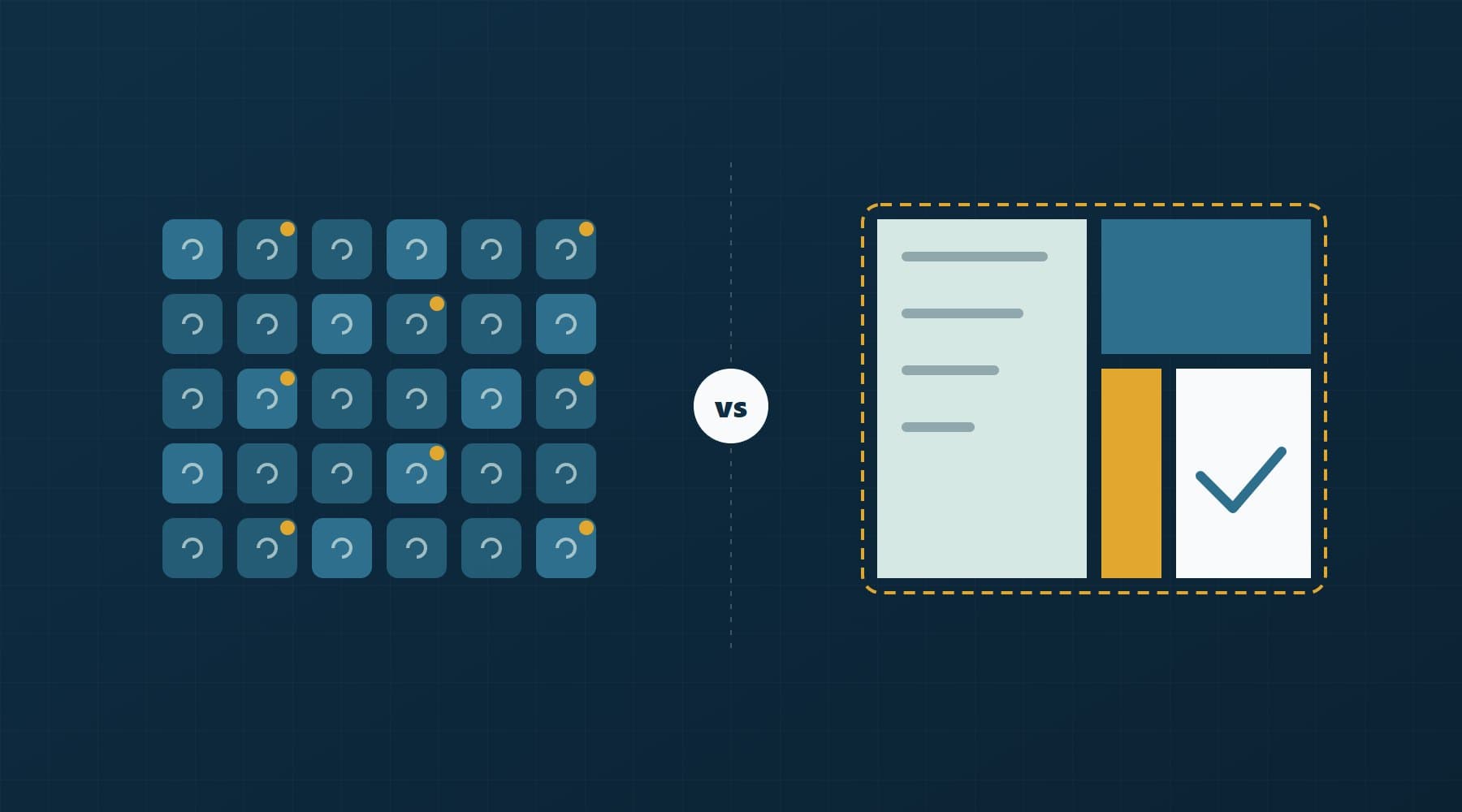
The short answer: buy SaaS when the process is standard and works the same way in every company (accounting, email, payroll, a basic CRM). Build custom software when the process is how you make money, when per-seat fees grow faster than the value you get, or when your team spends hours every week copying data between tools that do not talk to each other. Most growing businesses end up with both: off-the-shelf tools underneath and a thin custom layer on top.
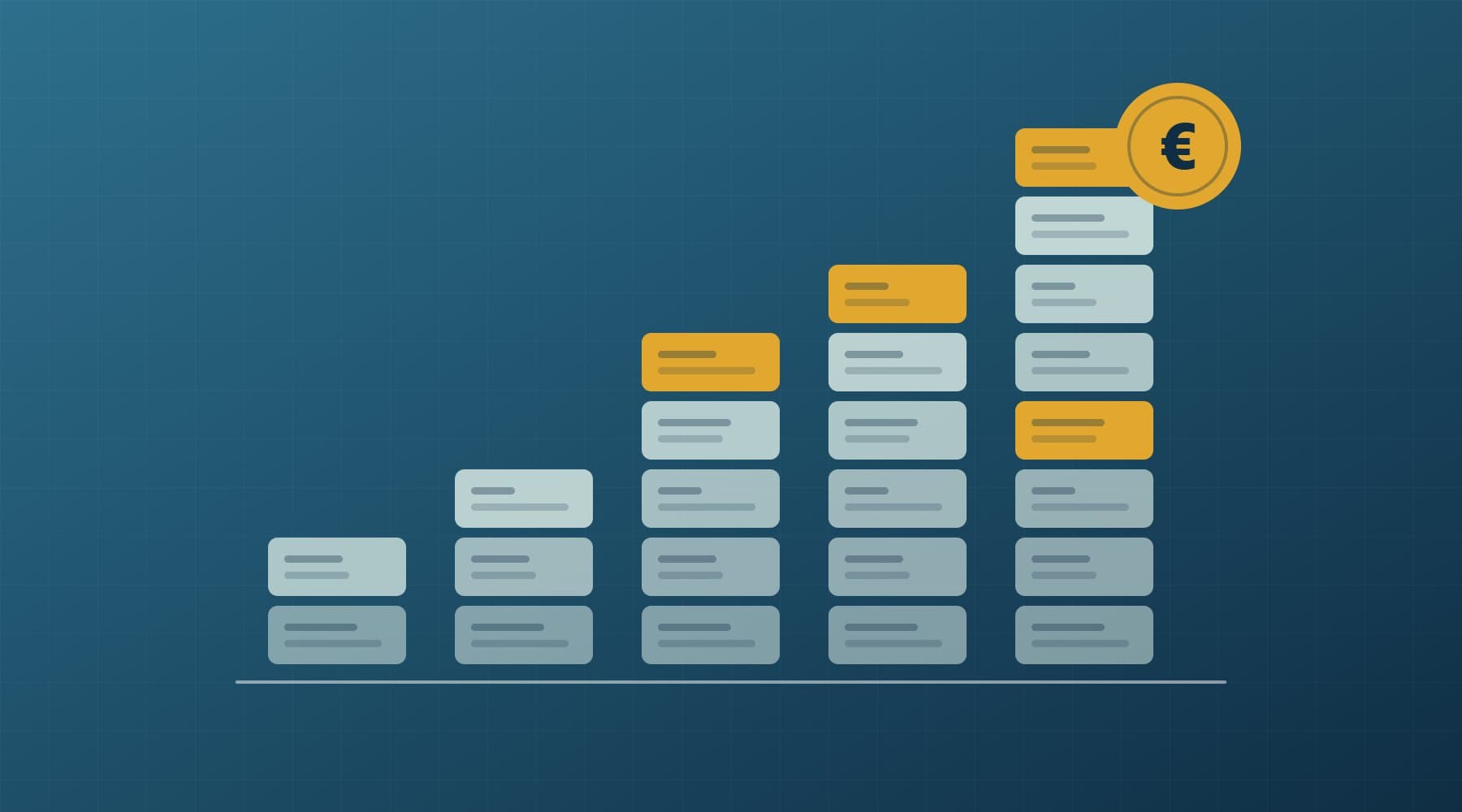
The mistake we see most often is not picking the wrong side. It is deciding on the year-one price. SaaS looks cheap in month one and custom looks expensive on the first invoice. Over five years the numbers often converge, and the decision then comes down to workflow fit, control of your data and how much risk you are willing to carry.
This guide covers the criteria that actually decide it, a worked five-year cost comparison, the hybrid model, the real risks of building and how to contain them, and a checklist you can take into your next planning meeting.
A quick decision rule
- Buy if a mature product covers 80% or more of the workflow as it is, you have fewer than roughly 15 users, and nothing about the process sets you apart from competitors.
- Build if the workflow is specific to how you operate, it touches several systems, and the people using it would otherwise live in spreadsheets and email.
- Go hybrid if you rely on good SaaS for accounting, bookings or e-commerce but need one place that joins their data and runs the steps they do not cover.
Seven criteria that actually decide it
1. How differentiating is the process?
Nobody wins customers with a better payroll system. Plenty of businesses win them with faster quoting, better scheduling or tighter stock control. If a process is generic, use the market's best generic tool. If it is part of why clients choose you, forcing it into someone else's template slowly makes you like everyone else using that template.
2. Number of users and per-seat pricing over 3–5 years
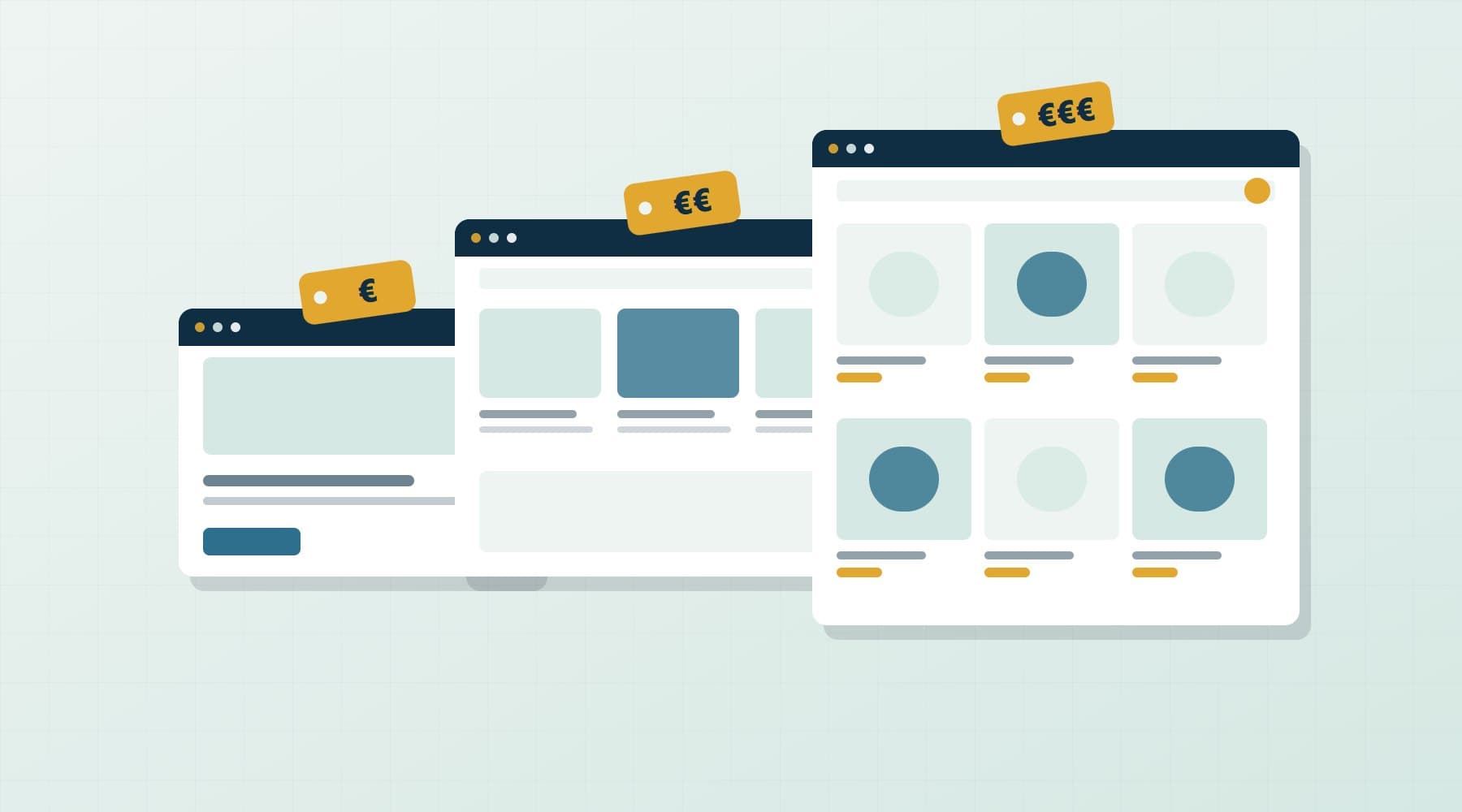
Per-seat pricing is linear: double the team, double the bill. Vendors also raise prices, move features to higher tiers and charge separately for add-ons such as automation, API access or extra storage. Custom software has a high upfront cost, but adding the 30th user costs almost nothing. The more users, and the longer the horizon, the better custom looks on cost alone.
3. Integration needs
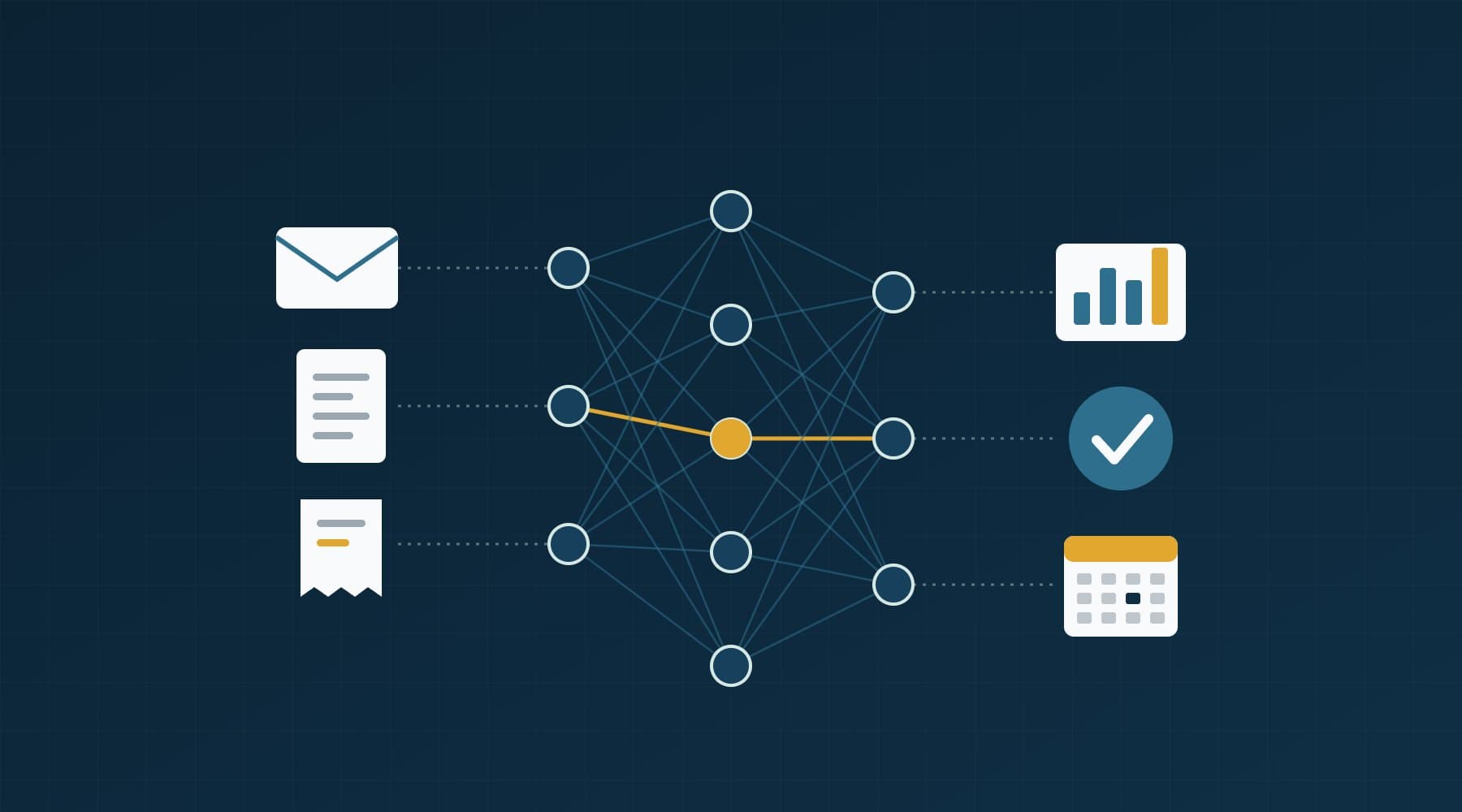
Count the systems involved: accounting, e-shop, bookings, supplier portals, bank exports, a courier API. If the answer is one or two, SaaS with built-in connectors is fine. If it is five, and the glue is a set of automation subscriptions plus someone re-typing data on Friday afternoons, the integration layer is already a custom system. It is just an unreliable one.
4. Workflow fit
Watch how people actually use the tool. Workarounds such as exporting to Excel, keeping a parallel sheet or putting status codes in free-text fields mean the product does not fit. A small gap is fine. A gap that costs each user 30 minutes a day adds up to a salary across a team of ten.
5. Data ownership and vendor lock-in
Ask how you would leave. Can you export everything, including history, attachments and audit logs, in a usable format? The EU Data Act, which has applied since 12 September 2025, helps: it requires cloud providers, SaaS included, to support switching and machine-readable export, and it removes switching charges entirely from 12 January 2027. That makes leaving easier, but it does not rebuild your workflows somewhere else. With custom software that you own, the code and the database are yours from day one.
6. Compliance and audit
GDPR, sector rules and client contracts may dictate where data is stored, who can see it and how long it is kept. Large SaaS vendors usually handle this well for the common cases. Custom wins when you need record-level permissions, a specific retention policy or an audit trail that a generic product does not offer.
7. Who will own it internally?
Every system needs an owner: someone who decides priorities, signs off changes and knows the rules behind it. If nobody in the business can spend a few hours a month on that, buy. Custom software without an owner drifts, just like a SaaS account nobody administers.
A worked five-year cost comparison
Here is a realistic case: an operations team of 25 people using a mid-tier SaaS platform at €45 per user per month, with a 7% average price rise each year and about €100 a month in add-ons and automation tools. The custom alternative is a focused internal platform at an indicative build cost of €45,000, plus hosting and a maintenance budget of around 15% of the build cost each year. Real figures vary widely by scope. See our guide to custom software costs in Greece for typical ranges.
| Year | SaaS (seats + add-ons) | Custom (build, hosting, maintenance) |
|---|---|---|
| Year 1 | 14,700 | 46,200 |
| Year 2 | 15,645 | 8,200 |
| Year 3 | 16,656 | 8,200 |
| Year 4 | 17,738 | 8,200 |
| Year 5 | 18,896 | 8,200 |
| 5-year total | 83,635 | 79,000 |
| Same case with 10 users | ≈ 37,000 | ≈ 77,000 |
| Same case with 50 users | ≈ 161,000 | ≈ 85,000 |
At 25 users it is roughly a draw on cost, and that is the honest result for many SMEs. With 10 users SaaS wins clearly. With 50, custom costs about half as much over five years. The table also leaves out two things that often matter more than licence fees: the hours lost to workarounds, and the value of a workflow built around how you actually operate.
The hybrid approach: buy the commodity, build the edge
Pure build and pure buy are both rare in practice. The pattern that works best for most small and mid-sized businesses is layered:
- Keep commodity SaaS for accounting and invoicing (including the AADE myDATA submissions your accounting software already handles), email, payments and, often, the e-shop or booking engine.
- Build a focused custom layer for the part that is yours: job scheduling, pricing rules, approvals, client portals, margin tracking.
- Integrate through APIs so data moves automatically: orders in, invoices out, stock and status updated in one place.
- Put reporting on top, so one dashboard reads from every system. Our KPI dashboard guide covers what to measure.
Take a typical example: a food distributor with a dozen vans. Its accounting package handles invoicing and tax reporting well, and it keeps using it. What it lacks is a way to plan routes, record deliveries on a phone and see the margin per customer after fuel and returns. That is a small custom application of perhaps a few screens, reading orders from the accounting system and writing delivery confirmations back. Nothing gets replaced. The gap gets filled.
Our own Cost-to-Profit Operating System follows this pattern. It is a dashboard that sits over existing cost and sales data to show margin visibility, not a replacement for accounting. You can see it with our other references on Selected Work.
Signs you have outgrown spreadsheets or your current SaaS
- One person is the only one who understands the master spreadsheet, and holidays are a business risk.
- The same customer or order is typed into two or more systems.
- Month-end reporting takes days of exporting, pasting and checking.
- You pay for a higher tier just to unlock one feature or more API calls.
- Staff keep a side sheet because the tool cannot represent how work really flows.
- You cannot answer simple questions (margin per client, jobs per technician, late orders this week) without someone building a report by hand.
- Errors reach customers: double bookings, wrong prices, missed follow-ups.
Two or three of these is normal friction. Five or more usually means the cost of not building is already higher than the cost of building.
The real risks of custom software, and how to contain them
Custom software has real failure modes. Most are management problems, not technical ones, and each has a known mitigation:
- Scope creep and budget overrun. Deliver in phases. The first release should solve one painful workflow in eight to twelve weeks, not the whole company in a year.
- Dependence on one developer or agency. Insist that you own the source code, the repository and the hosting accounts, in writing, from the start.
- Knowledge locked in someone's head. Require documentation: setup instructions, data model, deployment steps and a plain-language description of the business rules.
- Software that ages badly. Budget for maintenance every year: security updates, dependency upgrades, monitoring and backups. Plan for it the way you plan for vehicle servicing.
- Building what you thought you needed. Put working screens in front of real users every two weeks. Feedback on week four is cheap; feedback after launch is not.
A build-or-buy decision checklist
- Write down the workflow in ten steps or fewer, as it really happens today.
- Mark which steps are standard and which are specific to your business.
- Shortlist two or three SaaS products and test them against your real steps, not their demo.
- Calculate five-year SaaS cost with your expected headcount and a realistic price rise.
- List every system the workflow touches and how data moves between them now.
- Check export: can you get all of your data out, in a usable format, without a fee or a ticket queue?
- Identify compliance needs: permissions, retention, audit trail, data location.
- Get a phased custom estimate, with maintenance priced separately.
- Name the internal owner who will make decisions.
- Decide per layer, not all at once: buy what is commodity, build what is yours.
How Orya One helps with build-or-buy decisions
Quite often the right answer is to keep the SaaS you already have and add a small integration or a dashboard. When we build custom software, we start with the one workflow that hurts most, deliver it in phases, and hand over code you own along with the documentation to run it. You talk directly with the people writing the code, so trade-offs get discussed early instead of discovered late.
If you are weighing a SaaS renewal against building something, send us a short description of the workflow. We will tell you plainly which parts are worth building and which are not.
Frequently asked questions
Is custom software cheaper than SaaS in the long run?
It depends on users and time horizon. For under about 15 users, SaaS is usually cheaper over five years. Around 20–30 users the costs often converge once you include maintenance. Beyond that, custom software is frequently cheaper because adding users costs almost nothing, while per-seat SaaS fees grow with every hire and every price rise. Always compare five-year totals, not monthly prices.
When should a small business build custom software instead of buying?
Build when the workflow is specific to how you compete, when no product fits without heavy workarounds, or when several systems need to share data and staff are copying it by hand. If a mature product covers most of the process as it is and nothing about it differentiates you, buying is the safer and faster choice.
What is a hybrid build-and-buy approach?
A hybrid approach keeps off-the-shelf tools for commodity functions such as accounting, invoicing, email and payments, and adds a focused custom layer for the workflows that are unique to your business. APIs connect the two so data flows automatically, and a reporting layer reads from all systems. It limits custom development to where it adds real value.
How do I avoid vendor lock-in with custom software?
Make sure the contract states that you own the source code, the code repository, the domain and the hosting accounts. Ask for documentation covering setup, the data model, deployment and business rules. Use mainstream technologies that other developers know. With these in place, another team can take over the system without starting again.
How much does maintenance of custom software cost per year?
A common planning figure is around 15–20% of the original build cost per year, covering security updates, dependency upgrades, hosting, monitoring, backups and small improvements. The real figure depends on how complex the system is and how often you change it. Budget for maintenance from the start, because unmaintained software becomes a security and reliability risk.