The European Accessibility Act: What Greek Business Websites Must Do Now
Since 28 June 2025, many consumer-facing websites and e-shops in Greece must meet accessibility requirements. Here is who is covered, who is exempt, and a practical plan to get compliant.
Orya One
Guide9 min read
Key takeaways
- The EAA applies from 28 June 2025; Greece transposed it with Law 4994/2022.
- If you sell to consumers online, you are probably in scope, unless you are a microenterprise (fewer than 10 staff and no more than €2m turnover or balance sheet).
- The practical target is WCAG 2.1 Level AA today, with WCAG 2.2 AA arriving through the updated EN 301 549.
- Fix contrast, labels, keyboard access and alt text first; they cover most real-world failures.
Since 28 June 2025, businesses in Greece that sell to consumers online, through an e-shop, an online booking engine or a mobile app, must make those services accessible to people with disabilities. This comes from the European Accessibility Act, Directive (EU) 2019/882, which Greece transposed with Law 4994/2022 (Government Gazette A’ 215/18.11.2022). In practice, accessible means meeting WCAG 2.1 Level AA, publishing information on how your service meets the requirements, and keeping it that way as the site changes.
Microenterprises providing services, meaning fewer than 10 people and an annual turnover or balance sheet total of no more than €2 million, are exempt. Plenty of Greek SMEs fall into that category. Many do not, and even exempt businesses have good commercial reasons to fix the basics.
This article explains the rules in plain language and gives you a practical audit and remediation plan. It is not legal advice. For a specific situation, especially around exemptions, check with a lawyer familiar with Greek consumer and accessibility law.
What the European Accessibility Act actually requires
The EAA sets common accessibility requirements for a list of products and services across the EU. Article 2 of the Directive covers products such as computers, smartphones, ATMs, ticketing and check-in machines, payment terminals and e-readers. For most Greek business owners the services side matters more:
- E-commerce services: services provided at a distance, through websites and mobile apps, at the consumer’s request, with a view to concluding a consumer contract. This is the broad one.
- Consumer banking services.
- Air, bus, rail and waterborne passenger transport: websites, apps, e-tickets and travel information. Ferry operators and travel booking services fall here.
- Electronic communications services and services giving access to audiovisual media.
- E-books and dedicated reading software.
The Act applies to services provided to consumers. A purely business-to-business portal is generally outside it, though many B2B clients now ask for accessibility anyway. The Directive also excludes some content: pre-recorded audio and video and office documents published before 28 June 2025, archived content not updated since then, and third-party content you neither fund, develop nor control.
How Greece implemented it: Law 4994/2022
Law 4994/2022 transposes the Directive almost word for word. Its definitions match the EU text, including the microenterprise threshold, and its accessibility provisions apply from 28 June 2025. A few points are worth knowing:
- Supervision is sector-based. Market surveillance of products is split between the Ministry of Development’s industrial product compliance directorate, EETT (the telecoms and post regulator) and others. EETT also checks electronic communications services. Check the current text for which authority covers your sector.
- Sanctions must be proportionate. Article 26 says penalties take account of the extent of non-compliance, the size of the business, the circumstances, corrective action and cooperation with the authorities.
- Collective actions are possible. Law 5218/2025 added an article allowing associations representing people with disabilities to go to court to stop non-compliant practices.
- Public sector websites follow a separate regime, Law 4727/2020, which implements the earlier Web Accessibility Directive.
Who is in scope? A quick self-check
| Your situation | Likely in scope? | Notes |
|---|---|---|
| E-shop selling to consumers, 10+ staff or over €2m turnover | Yes | Core e-commerce case. Checkout, product pages and account area all count. |
| Hotel or rental with an online booking engine, not a microenterprise | Very likely | Booking and paying online is a consumer contract concluded at a distance. |
| Restaurant taking online orders or paid bookings, not a microenterprise | Likely | The ordering flow is the part that matters. |
| Brochure website with contact details only, no transactions | Probably not | No contract is concluded online, but basic accessibility is still good practice. |
| Any business with fewer than 10 staff and up to €2m turnover or balance sheet | Exempt for services | The exemption covers services, not products you manufacture or import. |
| B2B-only portal | Generally no | The Act targets services to consumers. |
| Ferry, bus or travel ticketing service | Yes | Passenger transport websites and apps are named explicitly. |
Note that the €2m test is turnover or balance sheet, combined with headcount. For seasonal businesses, headcount is not always obvious: EU SME rules generally count part-year staff as fractions of annual work units, so a hotel with 25 summer staff may or may not cross the line. Confirm the numbers with your accountant or lawyer.
Deadlines and transition periods
The requirements apply to services provided to consumers after 28 June 2025. The Directive allows some transitional arrangements:
- Service providers may keep using products they lawfully used before that date to provide similar services until 28 June 2030.
- Service contracts agreed before 28 June 2025 may continue unchanged until they expire, but for no longer than five years.
- Self-service terminals already in use may stay in service until the end of their economic life, up to 20 years.
Do not read these as a blanket five-year grace period for your website. Interpretations vary, every redesign or new feature should be accessible from day one, and planning remediation now is cheaper than rushing it later.
The technical standard: EN 301 549 and WCAG
The Act describes requirements in functional terms: content must be perceivable, operable, understandable and robust. To meet them in practice, everyone uses the European standard EN 301 549, which for web content points to the W3C’s Web Content Accessibility Guidelines (WCAG). The current version, V3.2.1, references WCAG 2.1 Level AA.
A new version, EN 301 549 V4.1.1, was published in September 2026. It is the first written specifically with the EAA in mind and moves the web baseline to WCAG 2.2 Level AA. It only gains formal legal effect once cited in the EU’s Official Journal, expected around the end of 2026. Our advice: build to WCAG 2.2 AA now. It adds a handful of criteria, such as minimum tap target size and focus not being hidden behind sticky headers, that are easy to include in new work.
The most common failures we find
Most Greek business websites fail on the same handful of issues. Fix these and you have resolved the majority of real barriers:
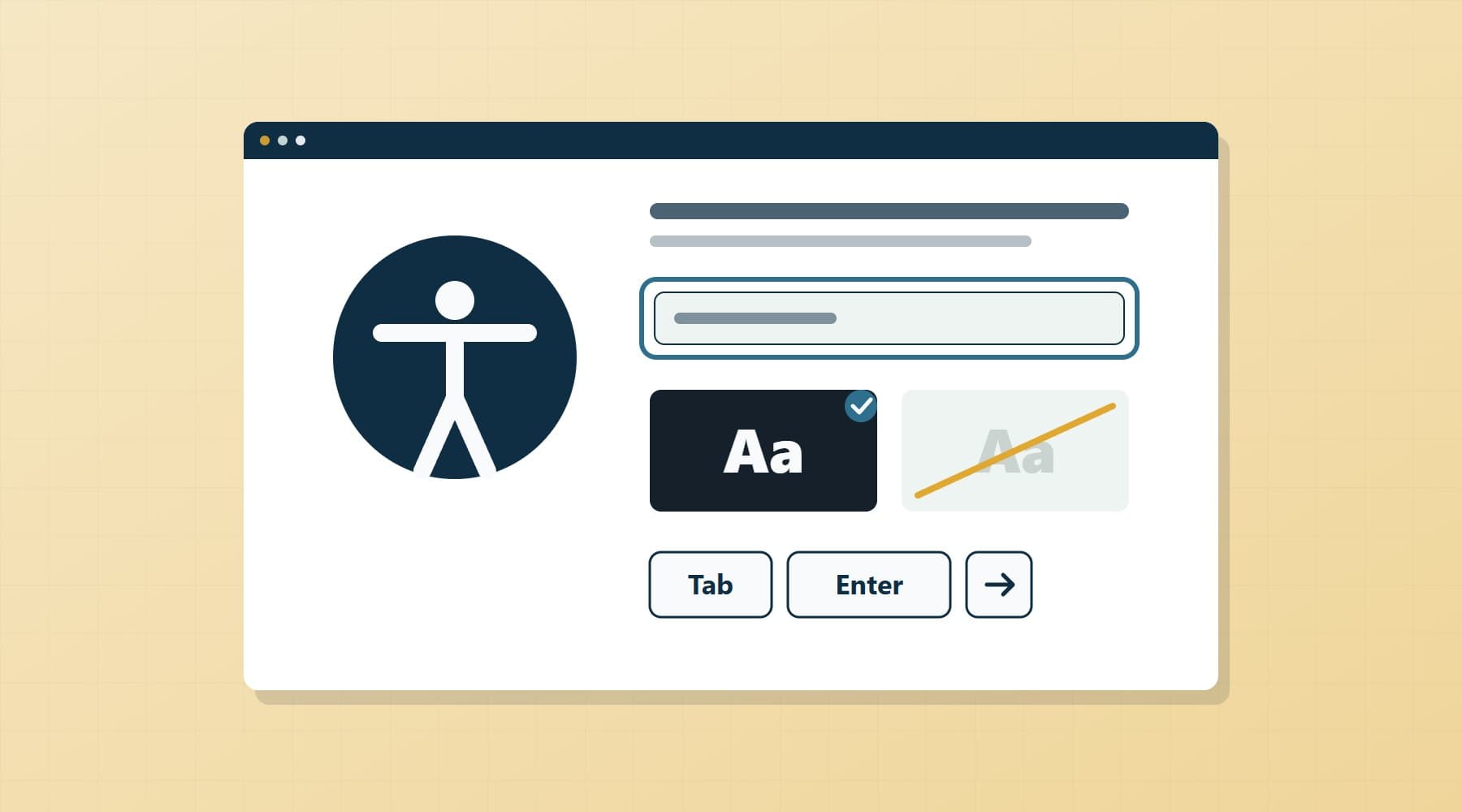
- Low colour contrast: light grey text on white, or white text on photos. WCAG AA requires 4.5:1 for normal text and 3:1 for large text.
- Missing or useless alt text: product images with no description, or alt text like “IMG_4021”.
- Keyboard traps: menus, cookie banners and date pickers that cannot be used without a mouse.
- Invisible focus states: designers remove the focus outline, so keyboard users cannot see where they are.
- Unlabelled form fields: placeholders instead of labels, and error messages shown only in red.
- Video without captions: promotional videos with speech but no subtitles.
- Inaccessible PDFs: menus, price lists and terms published as scanned images.
- Missing language attributes: Greek and English pages not marked as such, so screen readers mispronounce everything.
A 10-step accessibility audit checklist
- List your key user journeys: home to product, search, add to basket, checkout, booking, account login, contact.
- Run an automated scan with axe DevTools or Lighthouse on each template.
- Check colour contrast for text, buttons and form borders.
- Unplug the mouse and complete every key journey with Tab, Shift+Tab, Enter and Space.
- Confirm the focus indicator is always visible and never hidden behind sticky elements.
- Review every image: meaningful alt text for content, empty alt for decoration.
- Check every form field has a visible label and errors are described in text.
- Zoom to 200% and view at 320px width; nothing should be cut off or overlap.
- Test key journeys with a screen reader: NVDA on Windows, VoiceOver on iPhone or Mac.
- Check captions, PDFs and third-party widgets (booking engines, chat, payment pages) you control or choose.
Automated vs manual testing
Automated tools are fast and free, but they only catch part of the problem. They can tell you an image has no alt attribute; they cannot tell you whether “photo” is a useful description, or whether your checkout makes sense when read aloud. Use both.
| Tool | Type | Best for |
|---|---|---|
| axe DevTools (browser extension) | Automated | Reliable rule checks with few false positives; good for developers. |
| Lighthouse (built into Chrome) | Automated | Quick accessibility score alongside performance and SEO. |
| WAVE | Automated, visual | Shows issues overlaid on the page; easy for non-developers. |
| NVDA (Windows, free) | Manual, screen reader | Testing forms, headings and checkout as a blind user would. |
| VoiceOver (iOS, macOS) | Manual, screen reader | Mobile testing, where most of your traffic is. |
| Keyboard only | Manual | Finding traps and missing focus states in minutes. |
The accessibility statement
Annex V of the Directive requires service providers to explain how the service meets the accessibility requirements, in their general terms and conditions or an equivalent document, in accessible formats. In practice, most businesses publish an accessibility statement page and link it from the footer and the terms. A useful statement covers:
- A plain description of the service and how it works.
- The standard you follow (WCAG 2.1 AA, moving to 2.2 AA) and the date of the last review.
- Known limitations and when you plan to fix them.
- Alternative ways to complete a purchase or booking, such as phone or email.
- A contact for reporting accessibility problems, and how quickly you respond.
A remediation plan with priorities
- Week 1–2, blockers: anything that stops someone completing a purchase or booking, such as keyboard traps, unlabelled checkout fields or an inaccessible cookie banner.
- Week 3–4, high impact: contrast, focus states, alt text on products, heading structure, language attributes.
- Month 2, content: captions, accessible versions of PDFs, link text that makes sense out of context.
- Month 2–3, third parties: ask your booking engine, payment and chat providers for their conformance information, and replace those that cannot meet it.
- Ongoing: add accessibility checks to every release, review the statement at least yearly, and track reported issues.
For a typical small e-shop or hotel site, the first two phases are often a few days of focused work, not a rebuild. Older sites on heavy themes are the exception; sometimes a rebuild costs less than patching. The same logic applies to hotel booking websites and restaurant websites.
The business upside
- SEO overlap: headings, alt text, descriptive links and clean HTML are what search engines read too.
- Older visitors: larger tap targets, readable contrast and clear forms help older visitors, an important group for both local trade and tourism.
- Tourists on unfamiliar devices: a clear, well-labelled booking flow also works better with browser translation.
- Fewer abandoned checkouts: forms that explain their errors convert better for every user.
How Orya One can help
We build and maintain websites, e-shops and booking flows with accessibility as part of the specification, not an afterthought. If you are unsure whether you are in scope or how far your current site is from WCAG AA, we can run a focused audit of your key journeys, give you a prioritised fix list and implement it, or advise whether a rebuild makes more sense. For more complex portals, see our custom software development work.
Get in touch with your website address and a line about what you sell. We will tell you plainly what matters, and what can wait.
Frequently asked questions
Does the European Accessibility Act apply to small businesses in Greece?
It depends on size. Microenterprises providing services, meaning fewer than 10 people and annual turnover or balance sheet total of no more than €2 million, are exempt from the service accessibility requirements under Law 4994/2022. Businesses above either threshold that sell to consumers online, such as e-shops or hotels with booking engines, are generally in scope. Check edge cases, such as seasonal staff, with a lawyer.
When did the European Accessibility Act take effect in Greece?
The requirements apply from 28 June 2025. Greece transposed Directive (EU) 2019/882 through Law 4994/2022, published in Government Gazette A’ 215 on 18 November 2022, and its accessibility provisions became fully applicable on that date. Some transitional arrangements exist, for example for service contracts agreed before June 2025, but they are not a general grace period for websites.
What WCAG level is required for EAA compliance?
In practice, WCAG 2.1 Level AA, through the European standard EN 301 549 V3.2.1. A newer version, EN 301 549 V4.1.1, was published in September 2026 and moves to WCAG 2.2 Level AA once cited in the EU Official Journal, expected around the end of 2026. Building to WCAG 2.2 AA now is the safest choice for new work.
Does a simple brochure website need to comply with the EAA?
Usually not, if visitors cannot buy, book or sign a contract through it. The Act covers e-commerce services that lead to a consumer contract concluded at a distance, plus named sectors such as banking and passenger transport. A contact-only site is generally outside scope, but basic accessibility still helps older visitors, tourists and search rankings, and costs little to get right.
Are accessibility overlay plugins enough to comply?
No. Overlay widgets that add an accessibility toolbar do not fix missing labels, keyboard traps, poor contrast or untagged documents in the underlying code, and can conflict with screen readers people already use. Compliance means the site itself meets WCAG AA. Use automated tools such as axe or Lighthouse to find issues, then fix them in the code and confirm with manual testing.